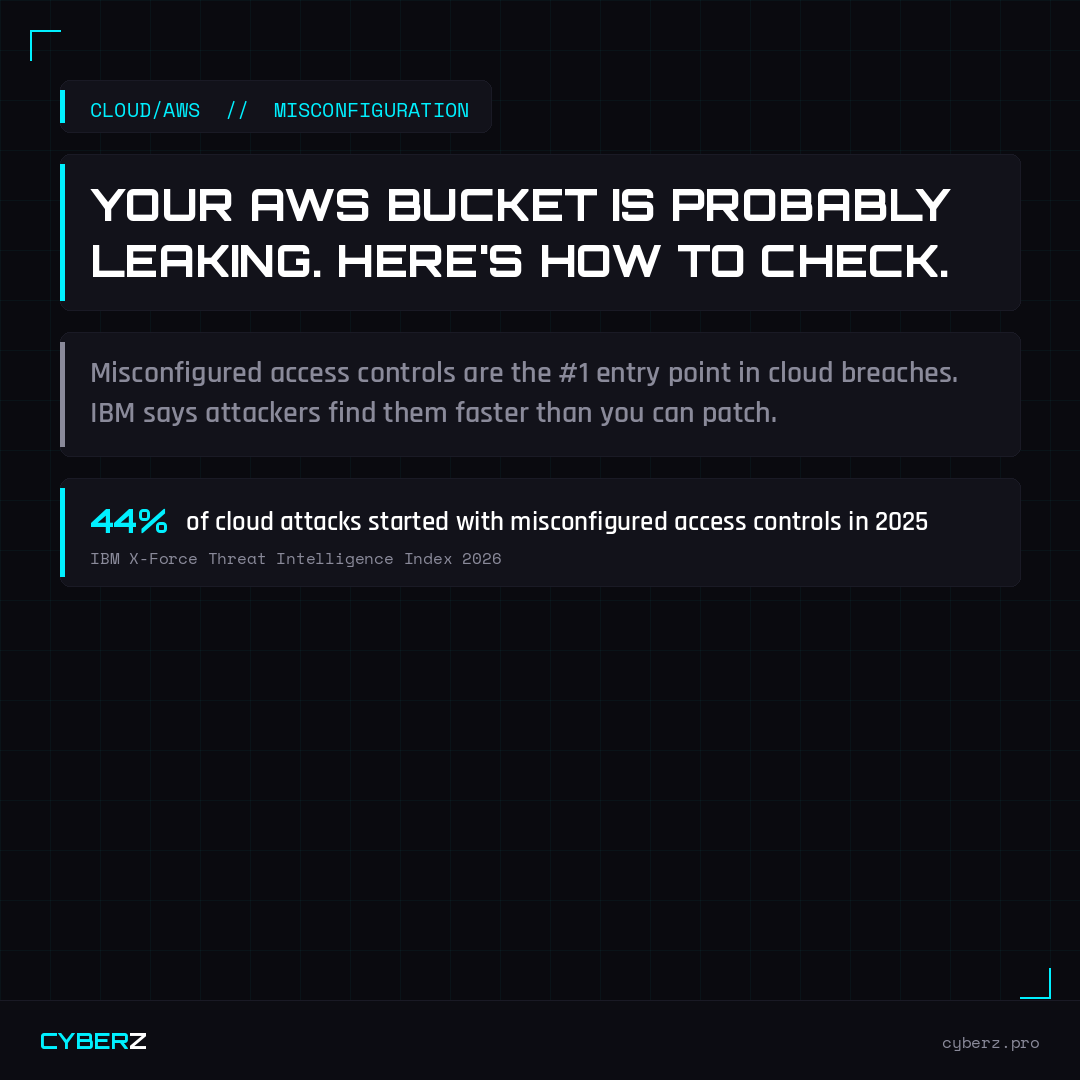
Your AWS Bucket Is Probably Leaking. Here's How to Check in 10 Minutes.
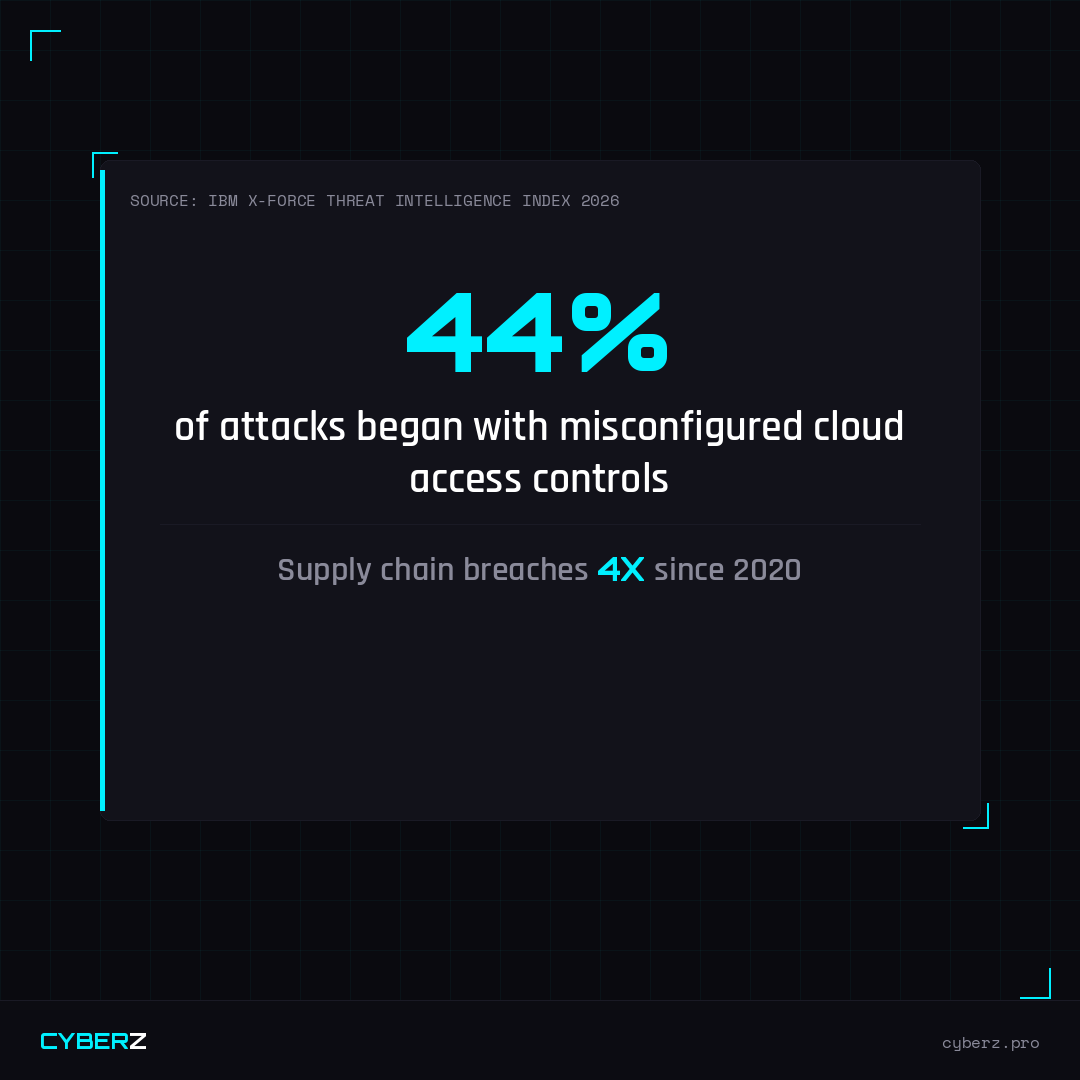
The IBM X-Force 2026 Threat Intelligence Index dropped last month with a finding that should be on every DevOps team’s radar: attacks exploiting misconfigured access controls jumped 44% year over year. It’s now the leading entry point for cloud breaches.
Not zero-days. Not sophisticated malware. Misconfigured S3 buckets, overpermissioned IAM roles, and public-facing services that were never meant to be public.
The other finding: AI tools are now scanning for these misconfigs at machine speed. The window between “you have a misconfiguration” and “an attacker found it” is collapsing.
What Attackers Are Actually Looking For
When an attacker runs an AI-assisted scan against AWS infrastructure, they’re looking for a predictable set of misconfigs:
Public S3 buckets containing customer data, backups, or internal files. Thousands of companies have leaked sensitive data through S3 buckets that were accidentally set to public during a deployment.
Overpermissioned IAM roles — service accounts with admin access that were created for a one-time task and never locked down. One compromised service account with the wrong permissions can access your entire environment.
Exposed secrets in code — API keys, database credentials, and AWS access keys accidentally committed to GitHub repos. Bots scan public repositories continuously for these.
Unprotected EC2 metadata endpoints — a known attack vector that allows an attacker with access to an EC2 instance to extract the instance’s IAM credentials.
Missing MFA on the root account — the nuclear option. If an attacker gets into your root account without MFA, you’ve lost everything.
The 10-Minute AWS Security Audit
You don’t need a security firm to identify your biggest risks. These checks take minutes and catch the most exploited misconfigs:
// AWS QUICK SECURITY AUDIT
- Go to S3 → check every bucket's "Block Public Access" settings — anything public-facing should be intentional
- Go to IAM → check for users with AdministratorAccess who don't need it — apply least privilege
- Go to IAM → check for access keys that haven't been used in 90+ days — rotate or delete them
- Enable MFA on your root account and all IAM users with console access
- Run AWS Trusted Advisor or Security Hub — free tier catches most critical misconfigs
- Search your GitHub repos for AWS_ACCESS_KEY — use GitHub's secret scanning if available
- Check CloudTrail is enabled in all regions — you can't investigate what you can't see
- Review security groups for any rules allowing inbound 0.0.0.0/0 on ports beyond 80/443
Supply Chain Risk Is the Next Wave
IBM also reported that large supply chain and third-party breaches have quadrupled since 2020. For cloud-native companies, this means your CI/CD pipeline, your GitHub Actions, and your third-party integrations are increasingly the attack surface.
An attacker who can inject malicious code into your deployment pipeline doesn’t need to break into your AWS environment — your own automation does the work for them.
Key questions to ask: Do you know every third-party action running in your GitHub workflows? Have you audited your npm dependencies recently? Does your deployment pipeline have secrets that are broader than necessary?
The Principle of Least Privilege Is Not Optional
Every IAM role, every service account, every API key should have exactly the permissions it needs to do its job — and nothing more. This isn’t a nice-to-have. It’s the single most effective control against cloud breaches.
The hardest part isn’t technical. It’s organizational: getting engineering teams to prioritize security hygiene when they’re shipping features. The solution is making it part of the deployment checklist, not an afterthought.
Cloud/AWS Security Bundle
17+ guides covering IAM security, S3 configuration, cost controls, Kubernetes security, disaster recovery, and compliance frameworks — built for startups and growing tech teams.
View Bundle →Originally reported by IBM X-Force Threat Intelligence Index 2026 for IBM X-Force Threat Intelligence Index 2026 on February 25, 2026.